

Latest posts
-
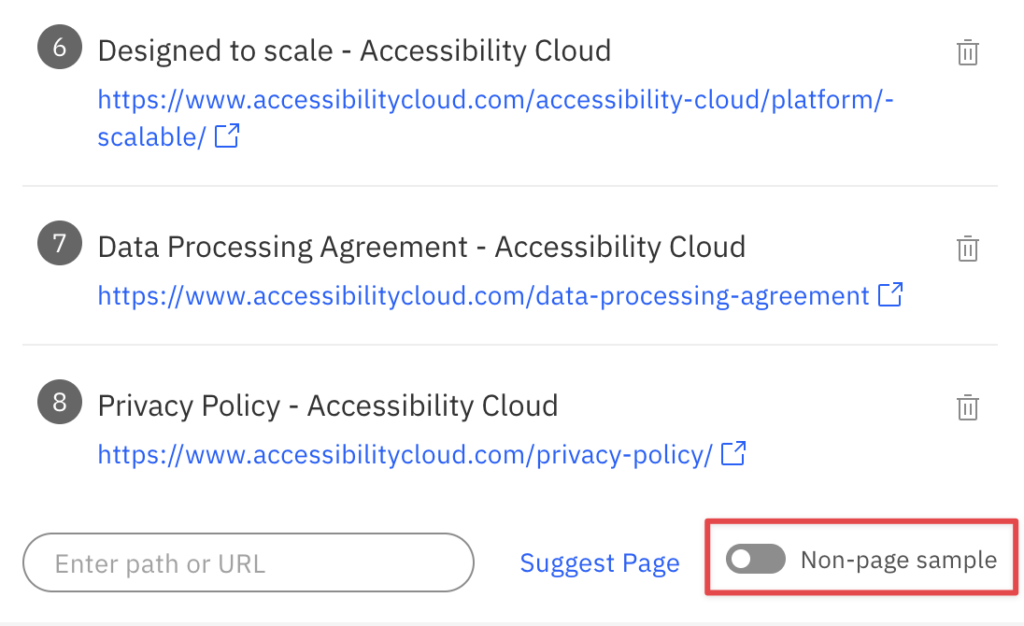
Non-page samples
Non-page samples are a great way to make manual tests easily digestible. You can create a non-page sample and add it to your test scope. A non-page sample could be any of the following: Component Landmark User flow Mobile app screen name Non-page sample option is available at the 3rd step of manual tests /…
-
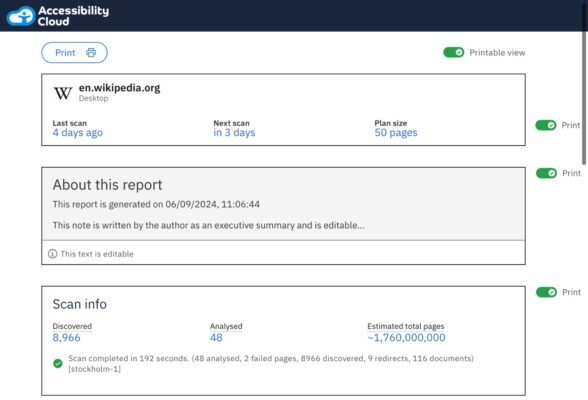
Printable view for site dashboards
All site dashboards now contain the printable view switch. This allows creation of personalised reports about each site instance, whether it is about the KPIs regarding the remediation success or compliance level based on manual tests / audits / in-depth reviews. The choice about what to have in the report is yours! Once activated, the…
-
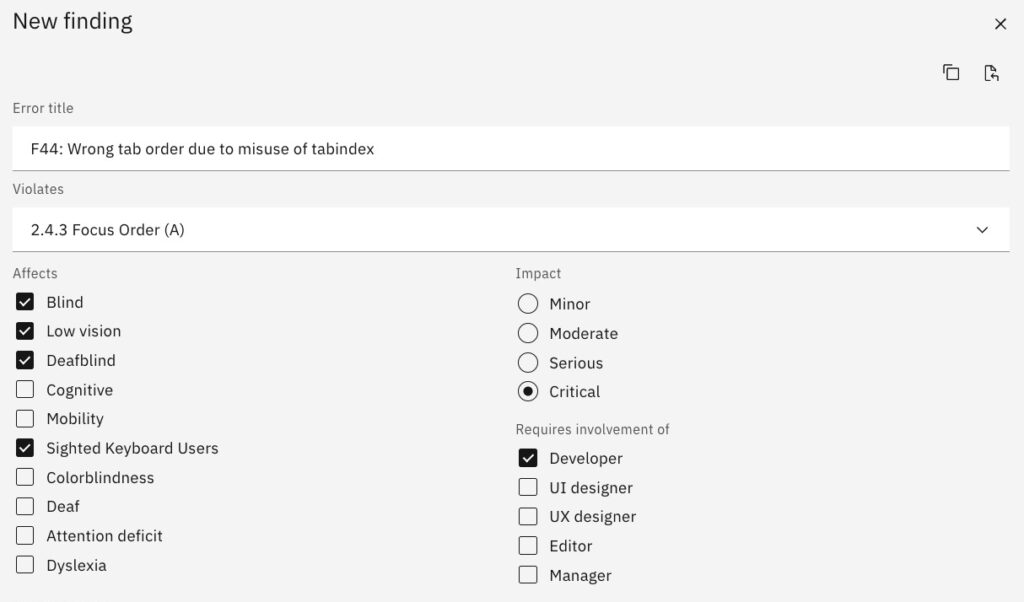
Findings feature revamp
Accessibility Cloud’s Findings feature has been completely revamped with new features and content. Here is everything new: Findings can now be created from automatic tests and guided tests, as well as manually Findings can be shared with bug trackers, such as Jira and Github or automation suites such as Zapier New and improved snippet library…
-
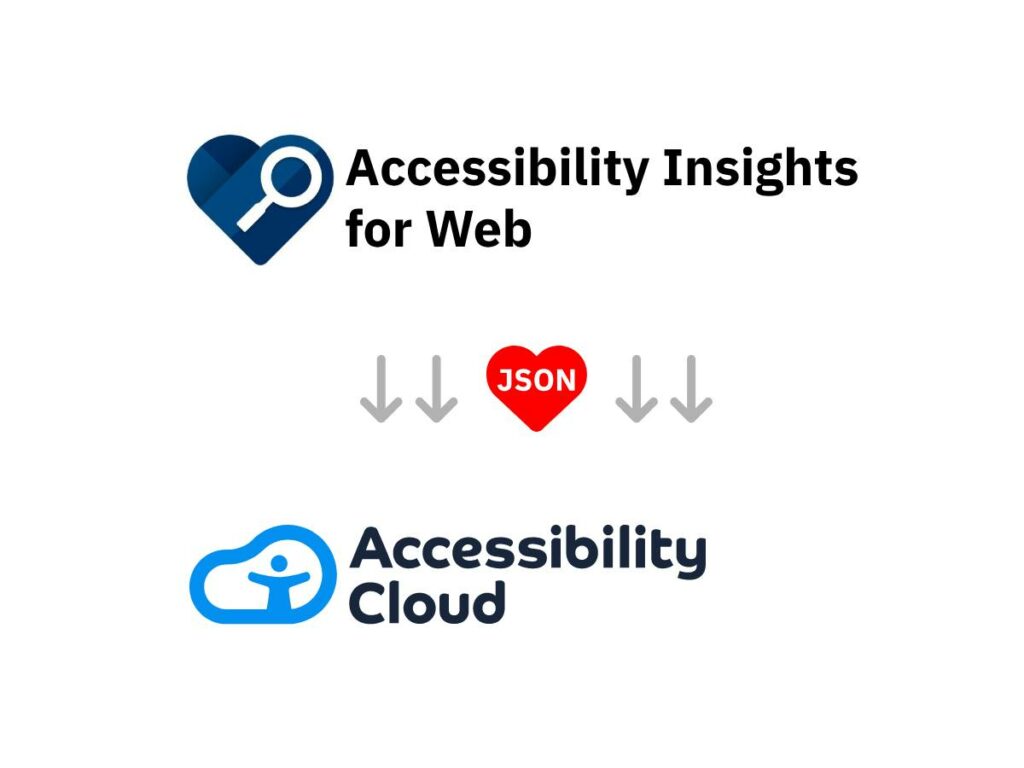
New feature: Support for IGT (Intelligent Guided Tests) via Microsoft Accessibility Insights for Web
Accessibility Cloud now supports importing Microsoft Accessibility Insights for Web assessments! This means that everybody who is doing manual tests & audits in Accessibility Cloud can now benefit from having a workflow between Accessibility Cloud and Accessibility Insights for Web: While experienced accessibility testers can move faster, testers with less accessibility experience can immediately benefit…
-
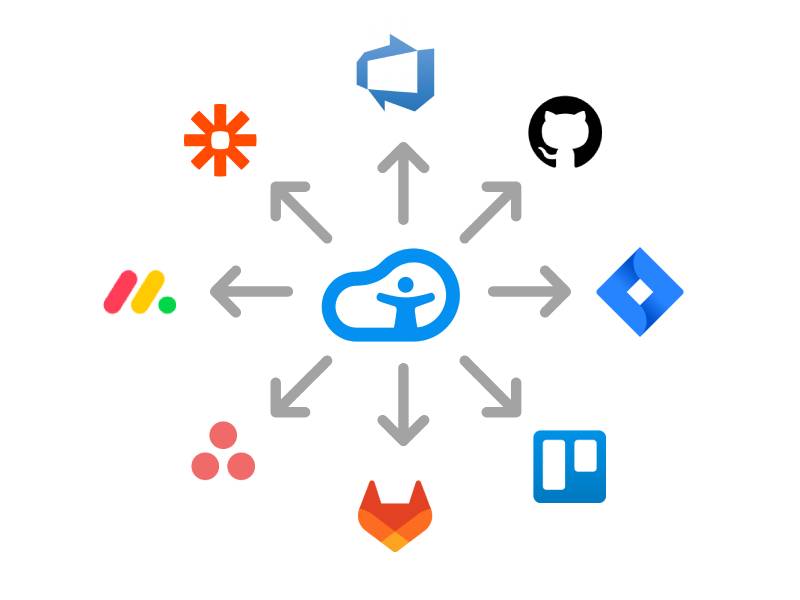
Share with bug trackers, project managers, automation suites and colleagues
This week we introduced the support for sharing functionality. This is useful for sending problems found by Accessibility Cloud to colleagues or to bug trackers, project management, and automation suites. How does it work? When you see the share icon, click it. In the next dialog you will need to configure your bug tracker or automation…
-
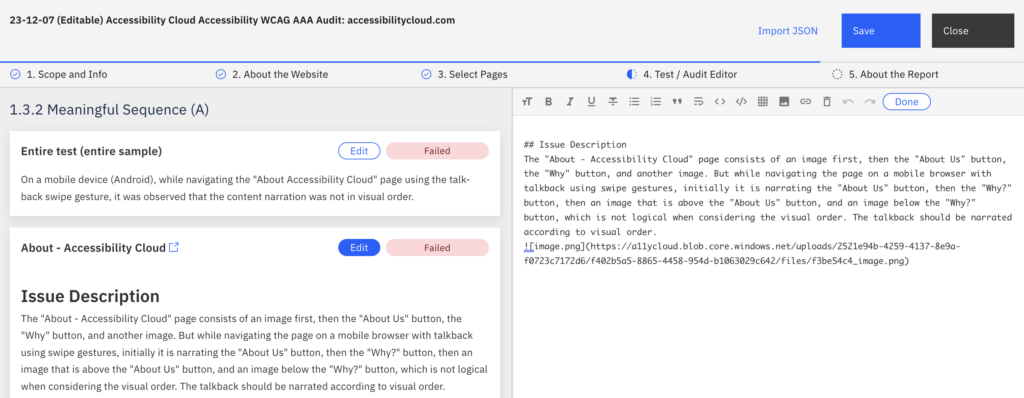
Release Notes for December 2023
We would like to take this opportunity to start our email by wishing you a happy holiday season. During the last two months we have introduced various features and improvements. This release note intends to highlight some of them. Features for manual testing & auditing Components Component detection and ability to create components for manual…
-
No more spreadsheets or checklists: Manual accessibility testing with WCAG-EM
The following W3C Nordic Accessibility Community Group event took place on November 14, 2023, and streamed over Teams, with valuable participations of Be Inclusive and CAAT.
-
WCAG 2.2 support is live
This week we introduced the support for WCAG 2.2 to both automatic and manual testing capabilities of Accessibility Cloud. Automatic tests for WCAG 2.2 Feel free to choose WCAG 2.2 as a compliance target to your site, instead of, or in addition to your existing compliance targets. You can select as many as you like…
-
Accessibility Cloud’s AI now generates solution suggestions
Accessibility Cloud’s AI program ACAI now generates solution suggestions based on the actual code which causes the accessibility problem. In the screen recording, you can observe an example of ACAI finding the problematic element: an input field with no accessible name. ACAI recognizes that this is a search field and suggests adding a label for…
-
Section 508 and ADA testing is now available in Accessibility Cloud
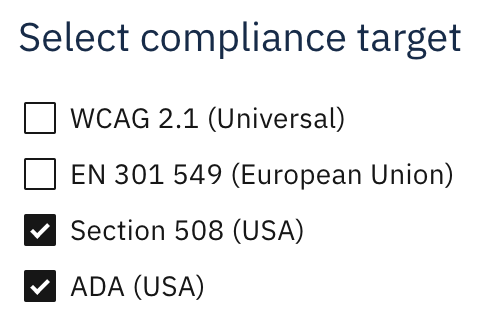
Accessibility Cloud now supports both automatically and manual testing for Section 508 and ADA. Section 508 and ADA for manual tests Choose Section 508 or ADA as compliance target while doing a manual test / audit to get started. Since both Section 508 and ADA are based on WCAG, you will find familiar success criteria…