All the compliance targets your organization needs
Accessibility statement generation
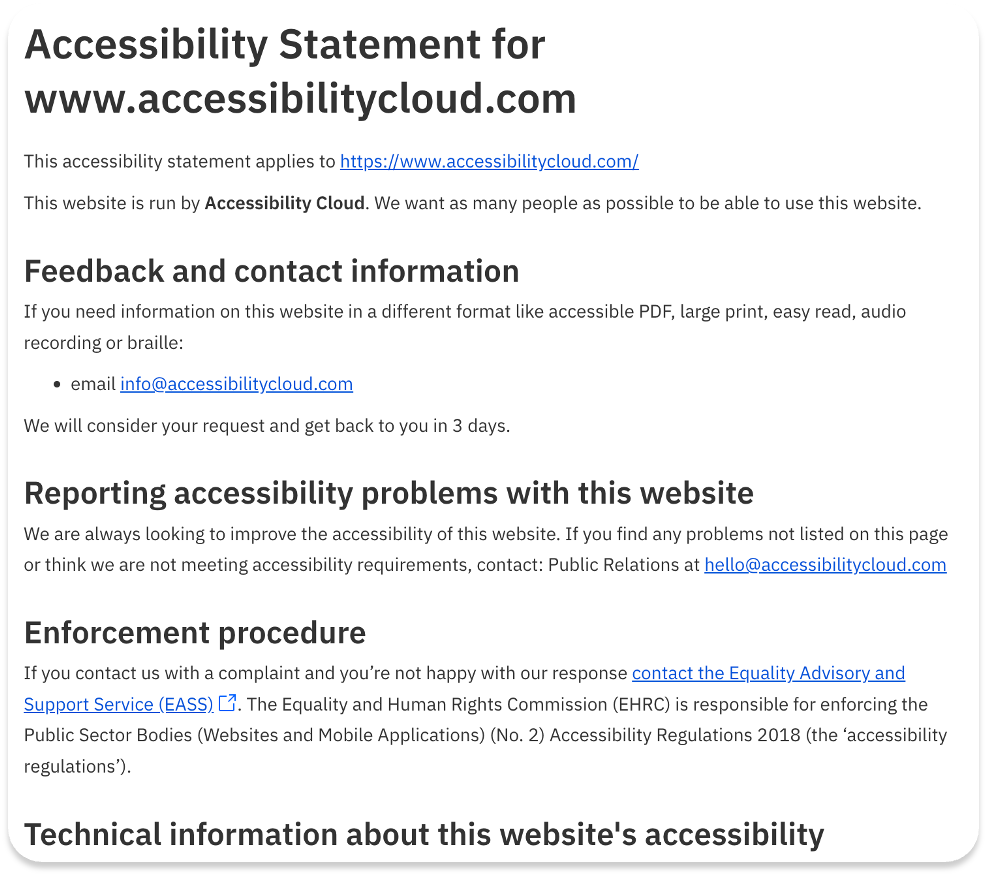
Accessibility Cloud’s accessibility statements are automatically generated from the manual tests or audits by using all their applicable fields and doing all the necessary adjustments and calculations.
They ensure legal standing of the document by covering all local requirements per country/region and allows customisation. All the expertise required to generate an accessibility statement is now included in your subscription.
Feature highlights:
- Based on manual tests / audits / evaluations
- Specific content for each country & language combination
- Automatic calculation of necessary fields, such as compliance status
- All the necessary fields included, automatically calculated/populated, editable and removable
- Downloadable as HTML
Legal compliance requirement identification of documents
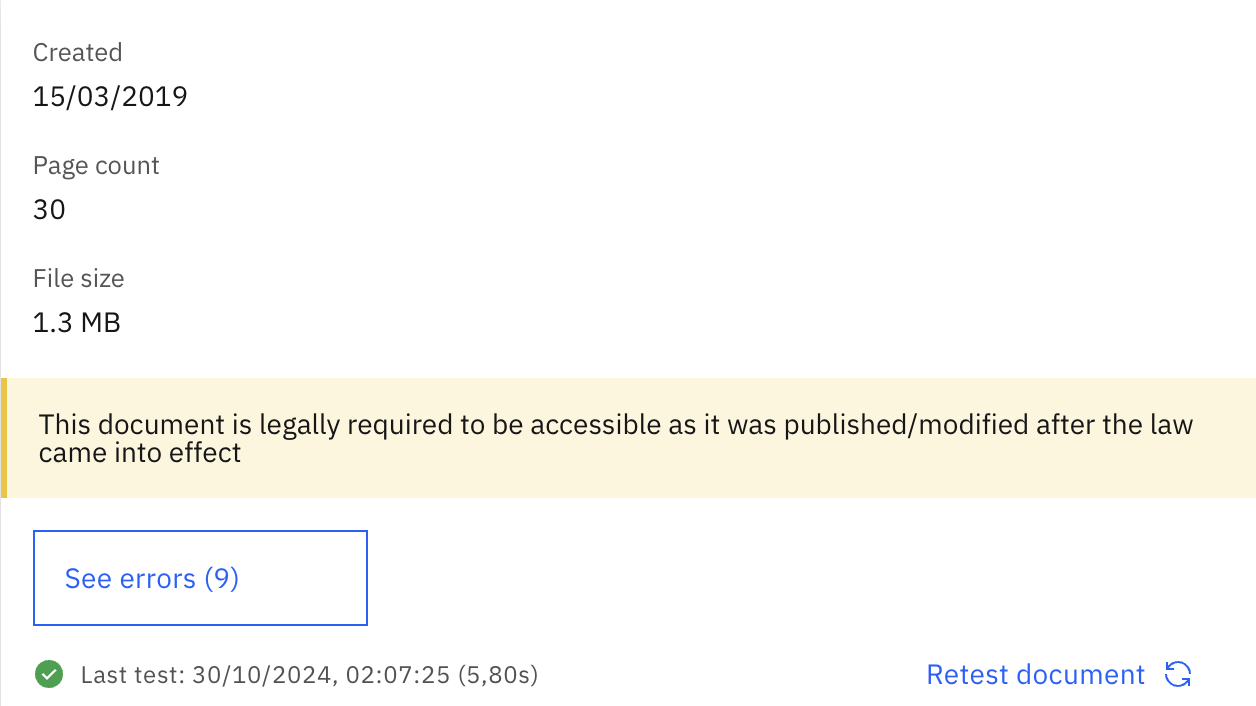
Accessibility Cloud’s document scanning engine can identify legal compliance requirement for each document.
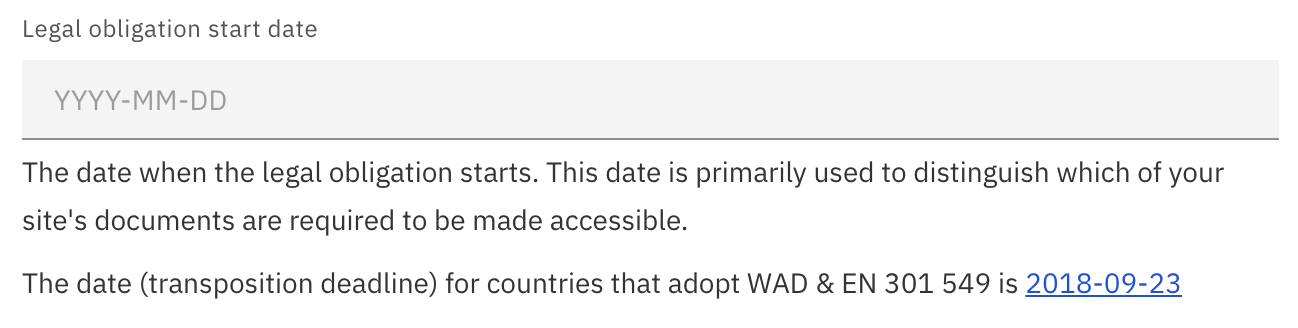
After setting up the ‘Legal obligation start date’ in Compliance Targets on the left menu of your site instance, you will be able to observe which of your documents are legally required to be made accessible.
Set your legal obligation start date to discover which of your documents exposes you to legal risk.