

Category: Features
-
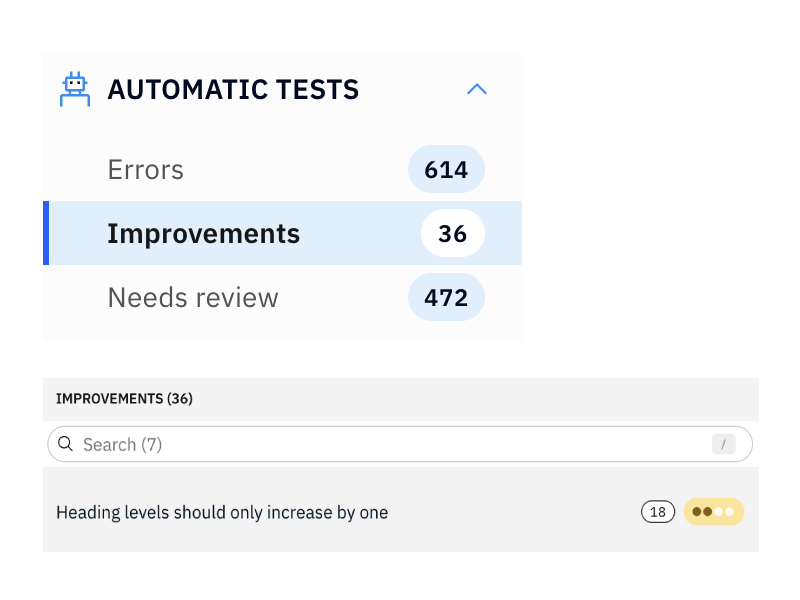
Improvements
The new section ‘Improvements’ section shows you accessibility improvements that don’t cause violations with your selected compliance targets. They are, however, great improvement opportunities to have more accessible websites.
-
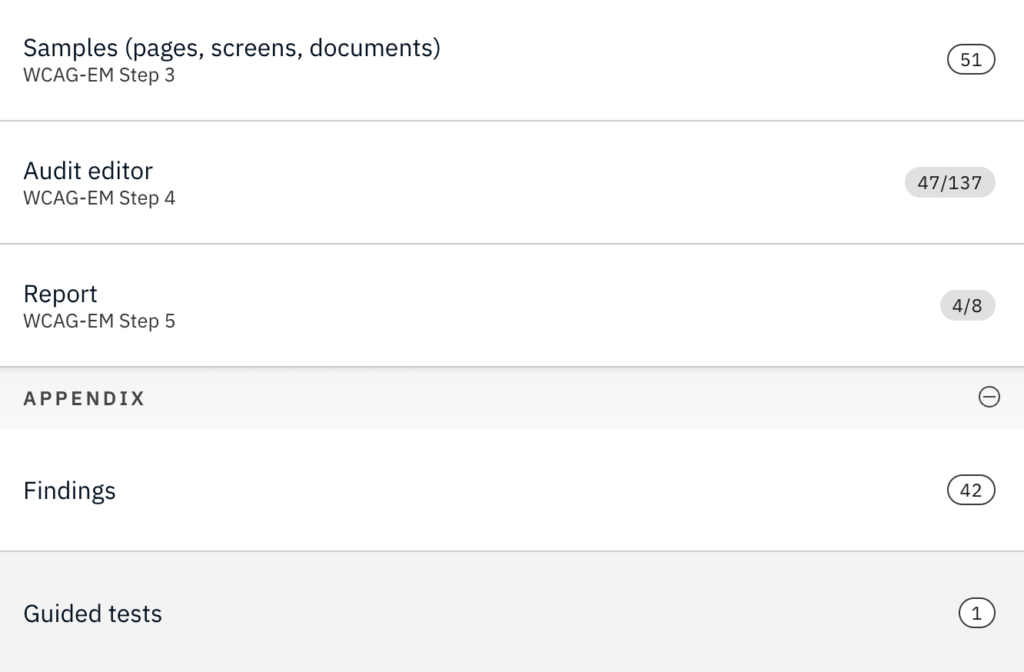
Big updates to accessibility auditing features
We have added a ton of new features to Accessibility Cloud’s manual testing / auditing section. Since all of them are major features on their own right, in the coming days we will organize webinars to show them in action. Stay tuned! But you can already use them already today. Here are the highlights: Magical…
-
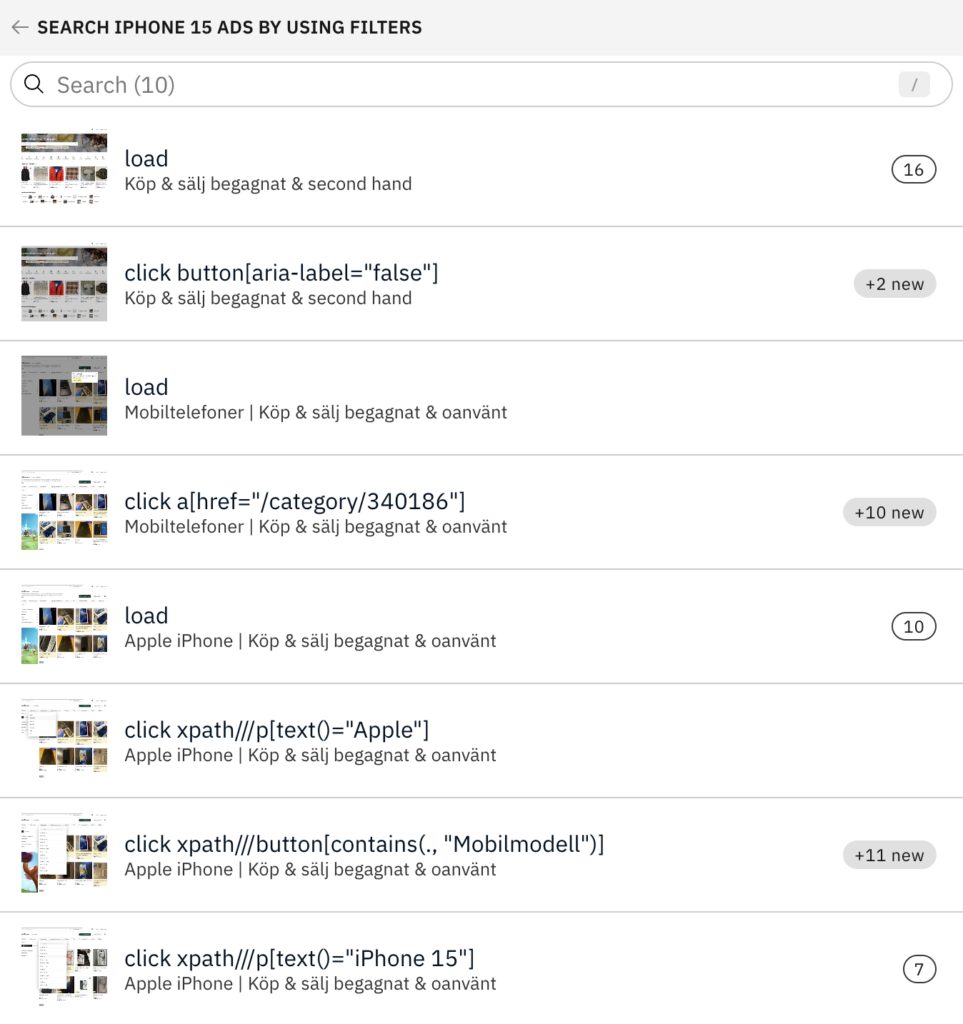
Accessibility Cloud is now interactive!
With Accessibility Cloud’s new feature, you can record your user flows/user interactions and test them once or test them continuously for monitoring purposes. Flows, buttons, inputs, carousels, modals, forms… Every control/component that offers user interactivity can now be tested with all their states in Accessibility Cloud. This feature finds accessibility defects that surfaces only after…
-
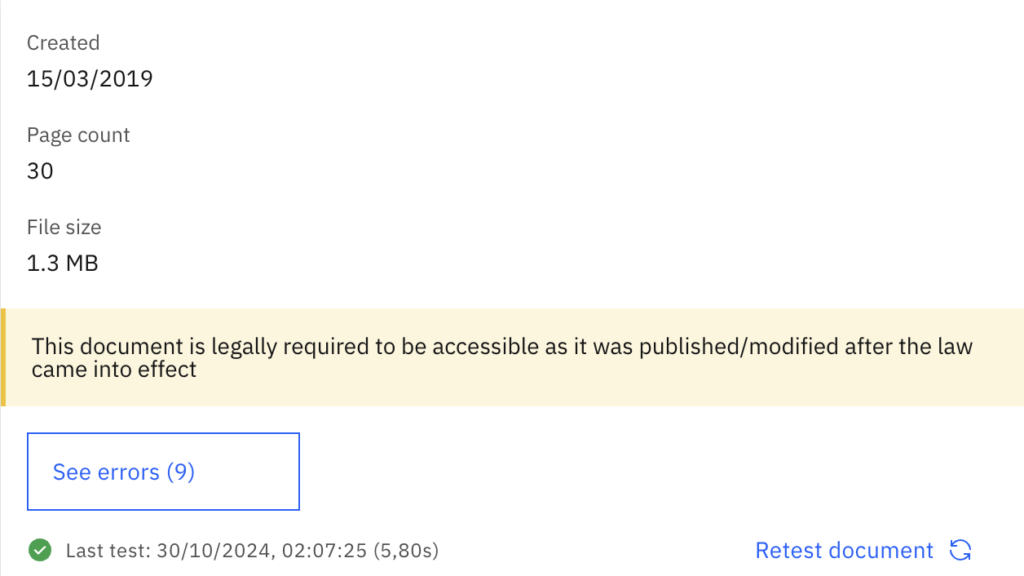
Legal compliance requirement identification of documents
This week, Accessibility Cloud’s document scanning engine has been greatly improved for stability and speed but most importantly, it gained a unique feature: The display of legal compliance requirement for each document. After setting up the ‘Legal obligation start date’ in Compliance Targets on the left menu of your site instance, you will be able…
-
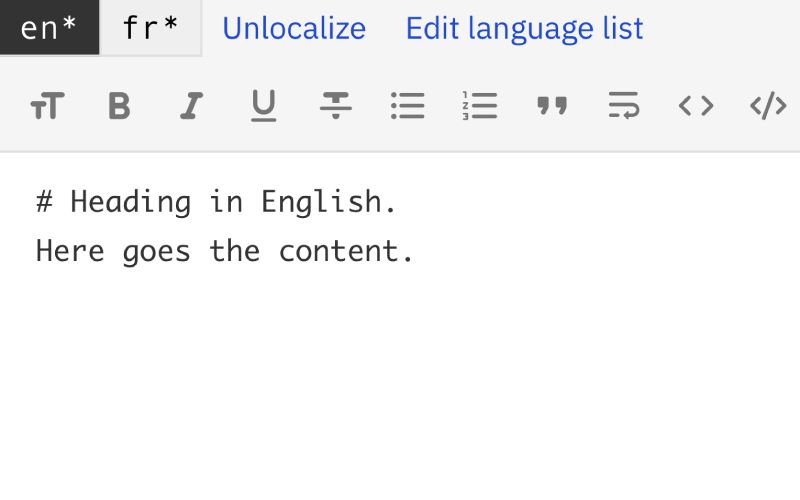
Multi-lingual manual tests / audits / in-depth reviews
This week, Accessibility Cloud’s manual testing features became multi-lingual. The manual test feature is used to conduct manual accessibility tests, perform audits, and even do in-depth reviews on governments’ scale and finally generate reports. With this new feature, you can enter test results and generate your report in the language of your choice or in…
-
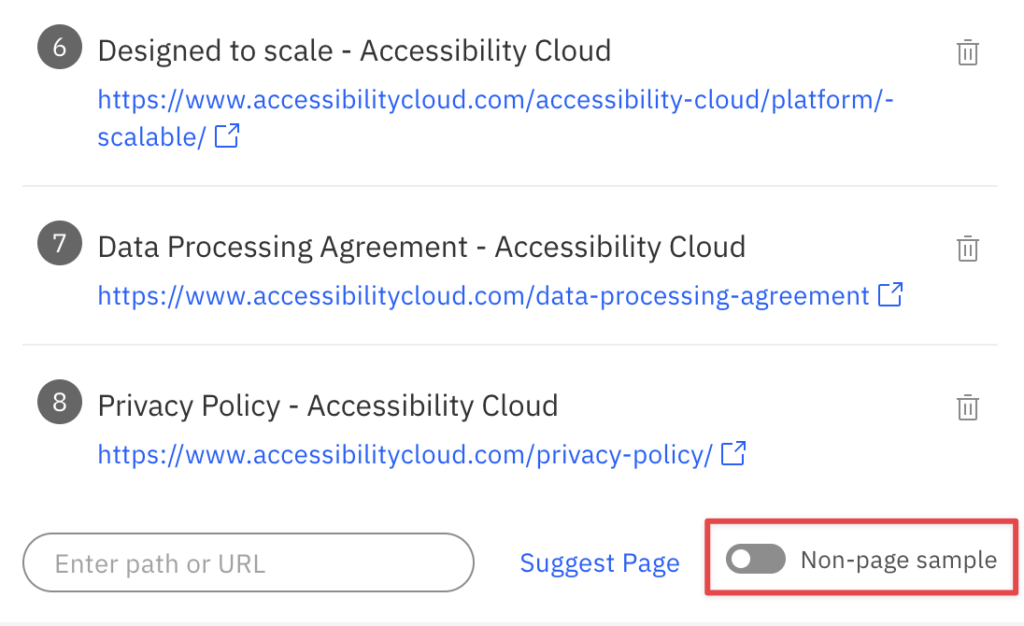
Non-page samples
Non-page samples are a great way to make manual tests easily digestible. You can create a non-page sample and add it to your test scope. A non-page sample could be any of the following: Component Landmark User flow Mobile app screen name Non-page sample option is available at the 3rd step of manual tests /…
-
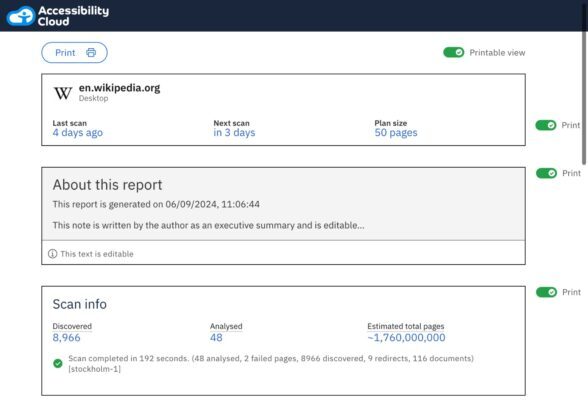
Printable view for site dashboards
All site dashboards now contain the printable view switch. This allows creation of personalised reports about each site instance, whether it is about the KPIs regarding the remediation success or compliance level based on manual tests / audits / in-depth reviews. The choice about what to have in the report is yours! Once activated, the…
-
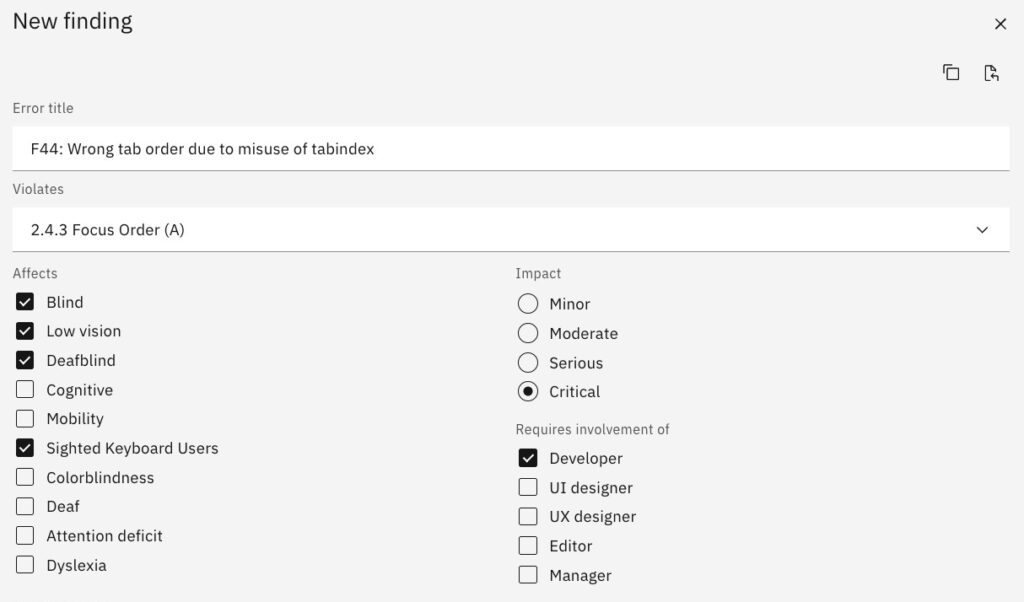
Findings feature revamp
Accessibility Cloud’s Findings feature has been completely revamped with new features and content. Here is everything new: Findings can now be created from automatic tests and guided tests, as well as manually Findings can be shared with bug trackers, such as Jira and Github or automation suites such as Zapier New and improved snippet library…
-
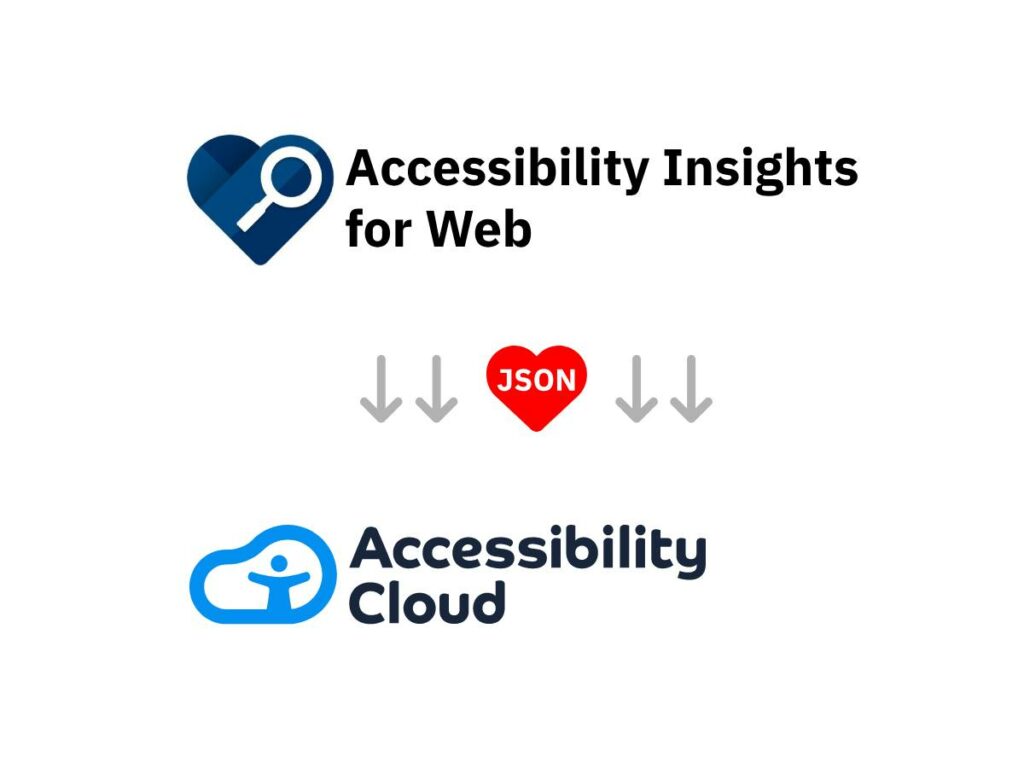
New feature: Support for IGT (Intelligent Guided Tests) via Microsoft Accessibility Insights for Web
Accessibility Cloud now supports importing Microsoft Accessibility Insights for Web assessments! This means that everybody who is doing manual tests & audits in Accessibility Cloud can now benefit from having a workflow between Accessibility Cloud and Accessibility Insights for Web: While experienced accessibility testers can move faster, testers with less accessibility experience can immediately benefit…
-
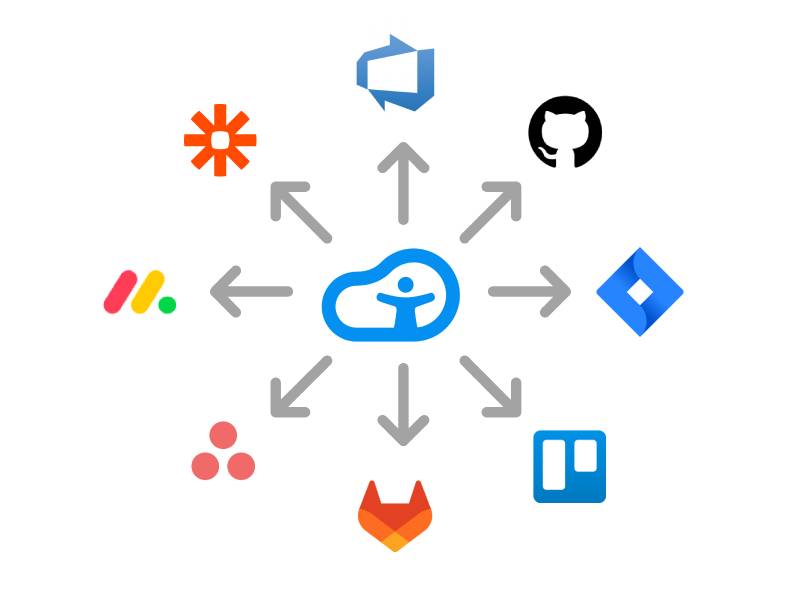
Share with bug trackers, project managers, automation suites and colleagues
This week we introduced the support for sharing functionality. This is useful for sending problems found by Accessibility Cloud to colleagues or to bug trackers, project management, and automation suites. How does it work? When you see the share icon, click it. In the next dialog you will need to configure your bug tracker or automation…