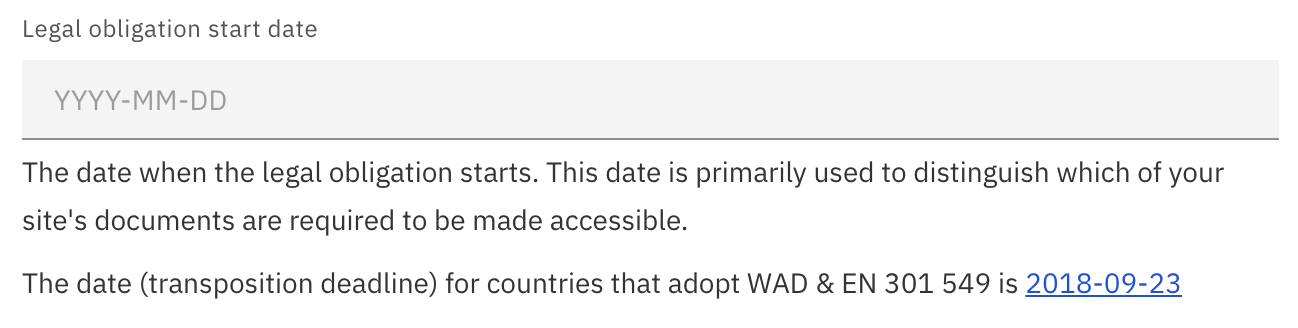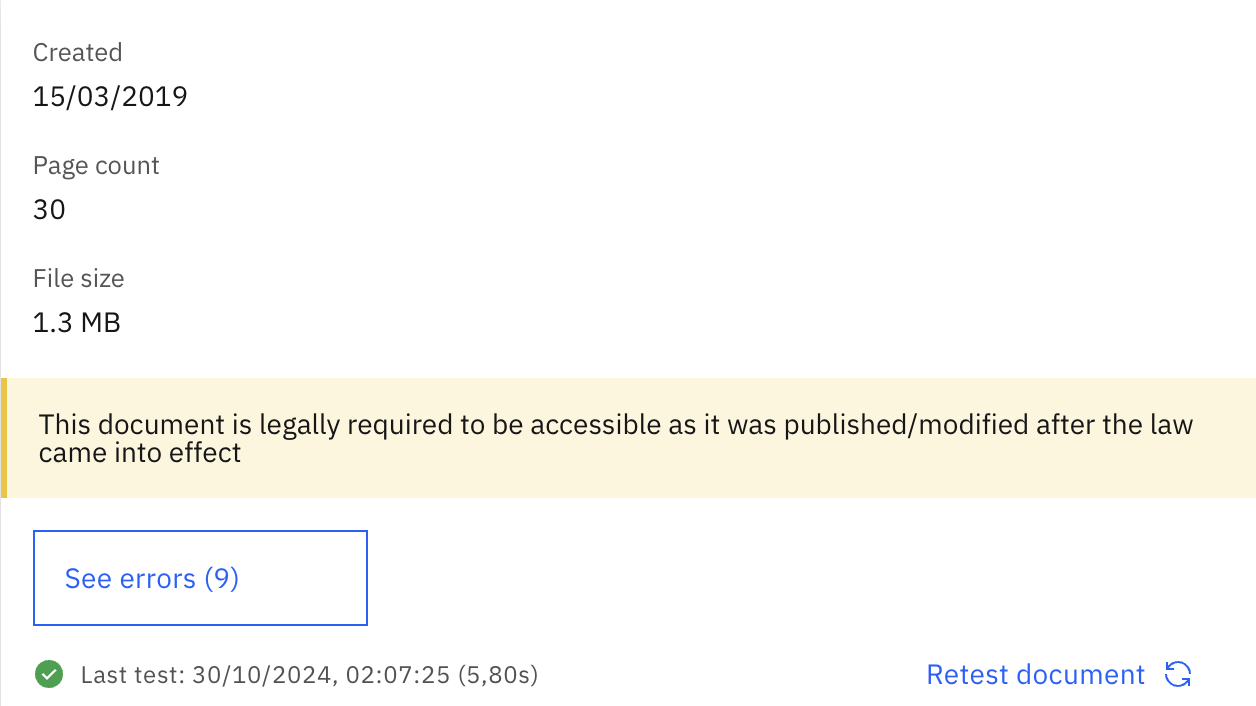
This week, Accessibility Cloud’s document scanning engine has been greatly improved for stability and speed but most importantly, it gained a unique feature: The display of legal compliance requirement for each document. After setting up the ‘Legal obligation start date’ in Compliance Targets on the left menu of your site instance, you will be able to observe which of your documents are legally required to be made accessible. Set your legal obligation start date (if applicable) to discover which of your documents exposes you to legal risk!