

With Accessibility Cloud’s new feature, you can record your user flows/user interactions and test them once or test them continuously for monitoring purposes.
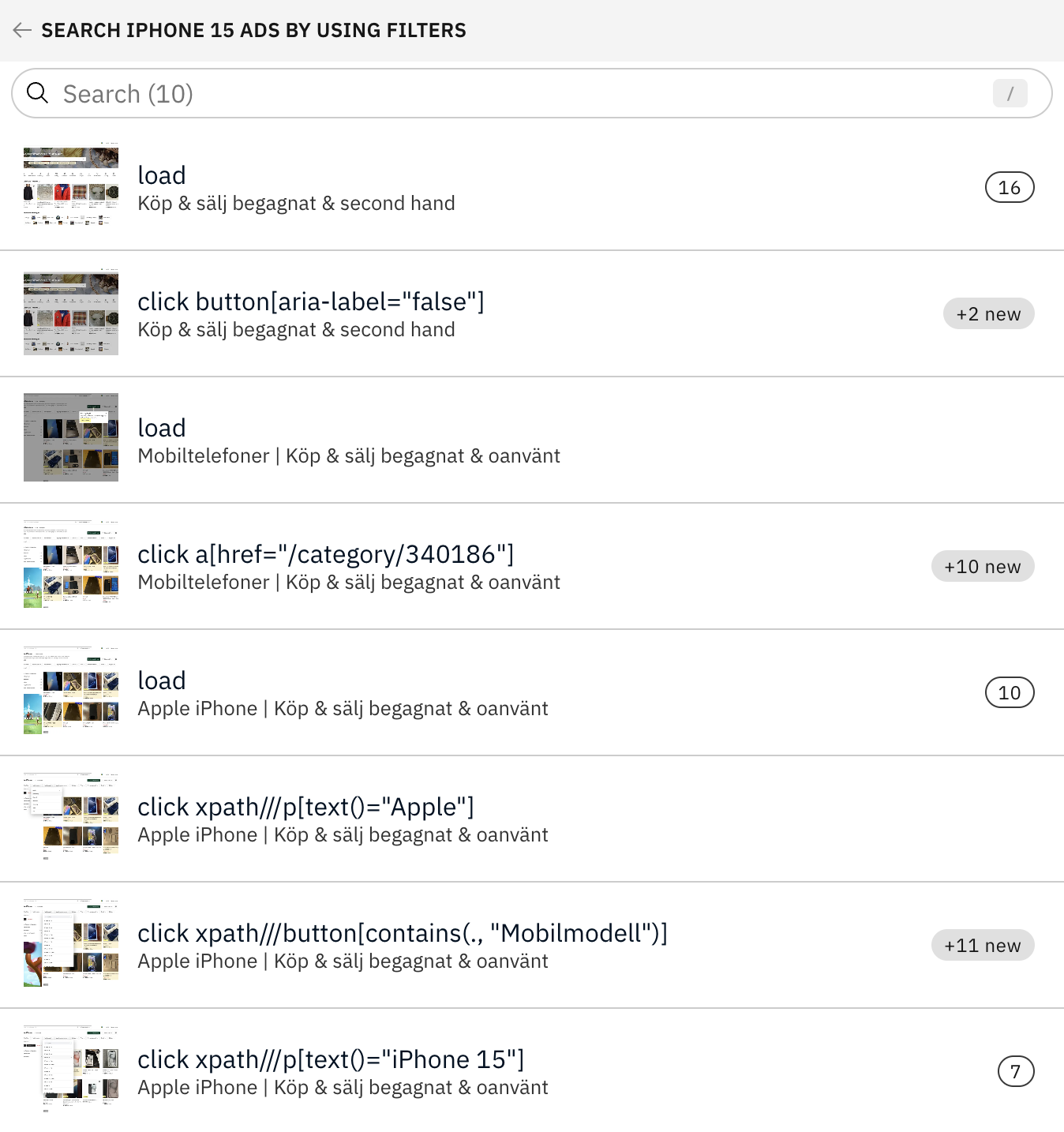
Flows, buttons, inputs, carousels, modals, forms… Every control/component that offers user interactivity can now be tested with all their states in Accessibility Cloud. This feature finds accessibility defects that surfaces only after user interactions. The image below shows a screenshot of a specific model of smartphone being searched for on a marketplace by utilising search fields and filters the site offers.
How it works
- Use the recording bookmarklet to record user actions within a flow
- Create your flow easily with the recording you made
- Let the flow run and discover accessibility defects
- See individual accessibility defects found in each step
Availability
- Enterprise Edition (available)
- Standard Edition (available as an optional add-on)
- Starter
- Pro
- Team
- Partner Edition (available as an optional add-on per customer)
- Monitoring Agency Edition (not currently available)
Ready to make your digital experience accessible to everyone?
Take the first step toward a more accessible digital presence. With AI-powered scanning across web, documents, and mobile apps, human-led auditing, guided remediation tailored to your tech stack, and a global network of accessibility experts, Accessibility Cloud gives you everything you need in one platform.
Want to join the community?
Find us on Discord