
Cross-functional collaboration
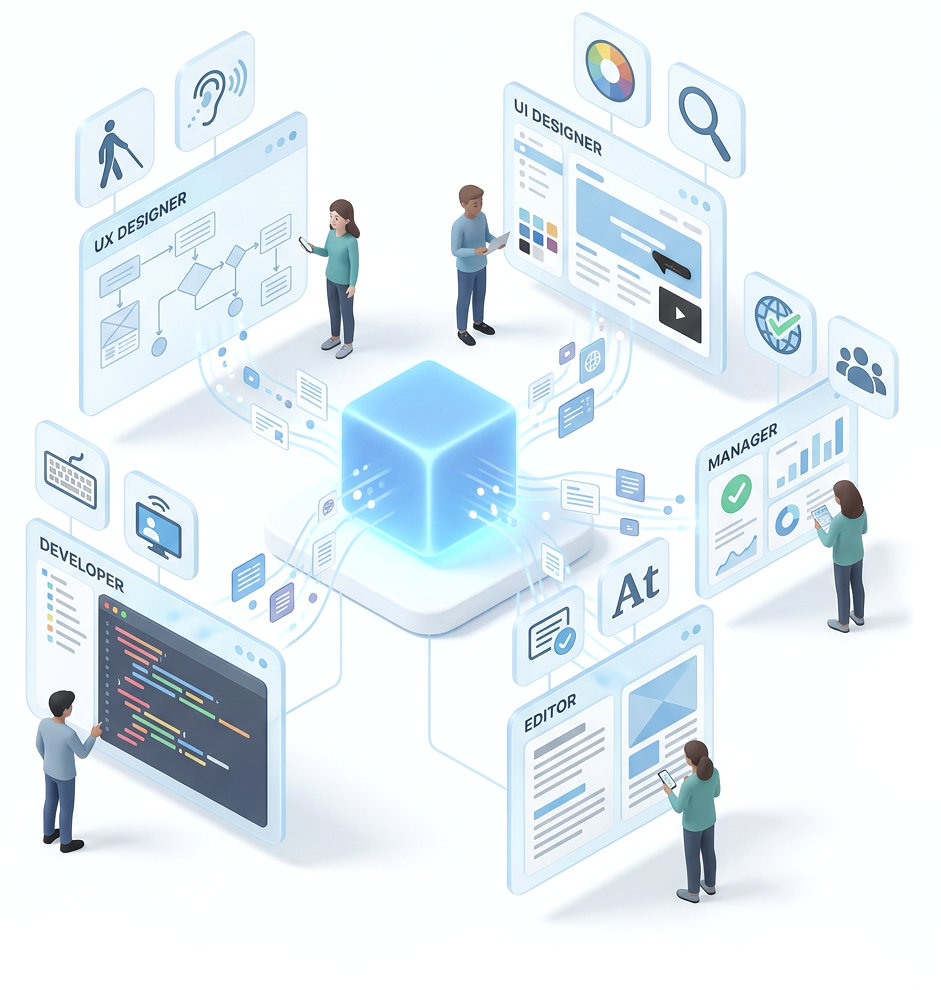
Accessibility Cloud is designed to cooperate with others, regardless of their roles; manager, editor, UX designer, UI designer, or developer.
You can filter errors, failures, potential issues and even individual pages by roles to see who can fix what.
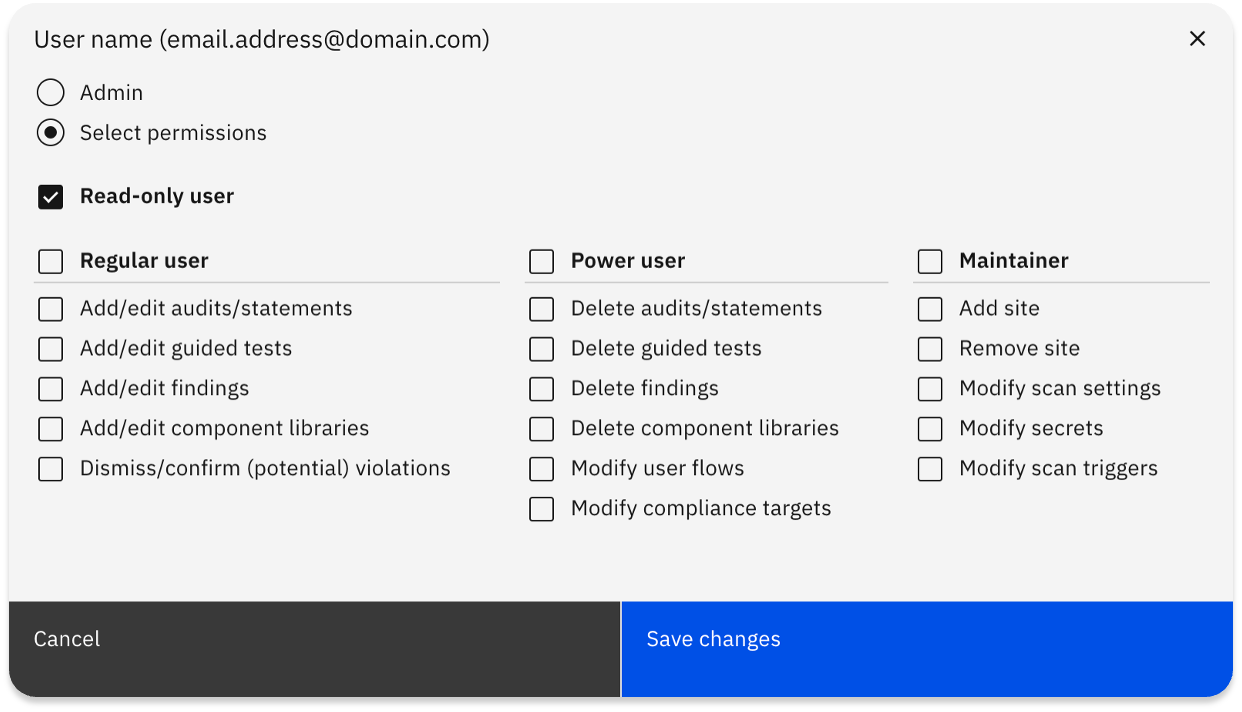
Users, roles, and granular permissions
Accessibility Cloud supports role-based and granular permissions for each user within the platform.
Share findings
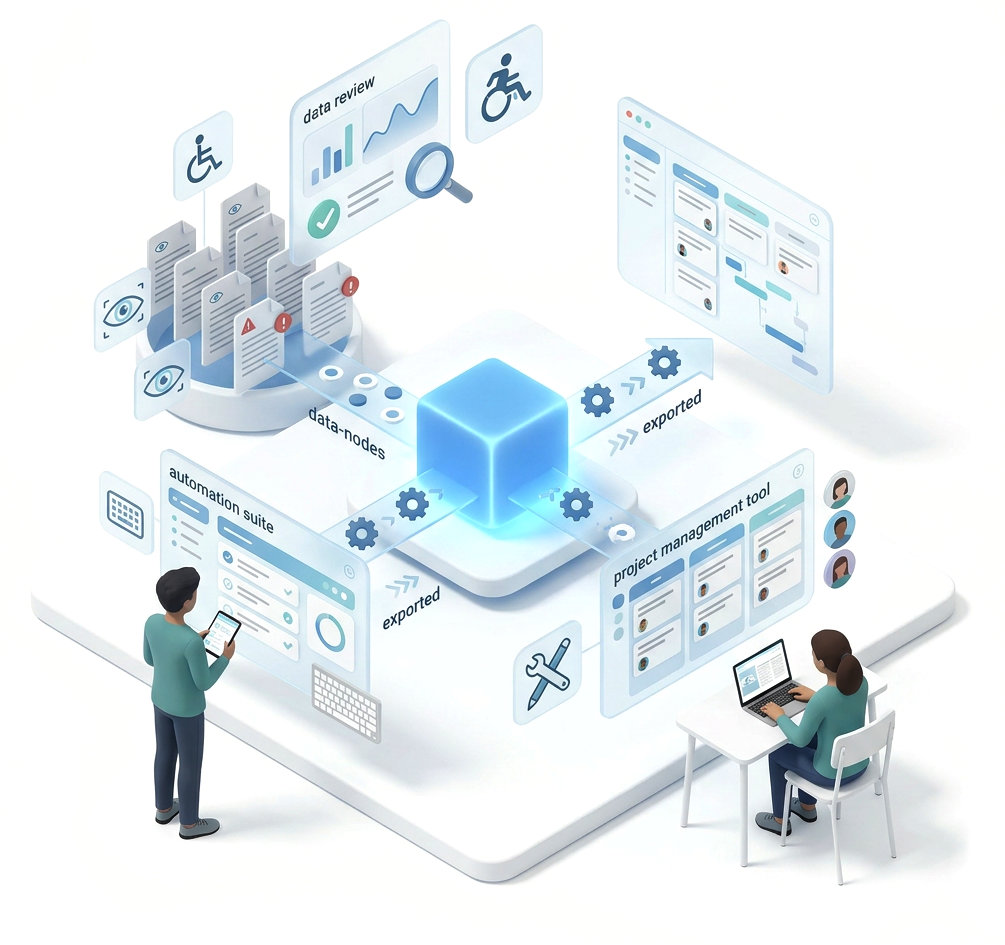
Share your findings to colleagues or to colleagues, bug trackers, project management, and automation suites.
Which tools are supported?
- Azure DevOps
- GitHub
- Jira
- Trello
- GitLab
- Asana
- Monday.com
- ClickUp
- Zapier
- Make
- and others…
Ready to make your digital experience accessible to everyone?
Take the first step toward a more accessible digital presence. With AI-powered scanning across web, documents, and mobile apps, human-led auditing, guided remediation tailored to your tech stack, and a global network of accessibility experts, Accessibility Cloud gives you everything you need in one platform.
Want to join the community?
Find us on Discord