

Add your app and test it in seconds.
No codebase access required.
The world’s first automated mobile app accessibility scanning
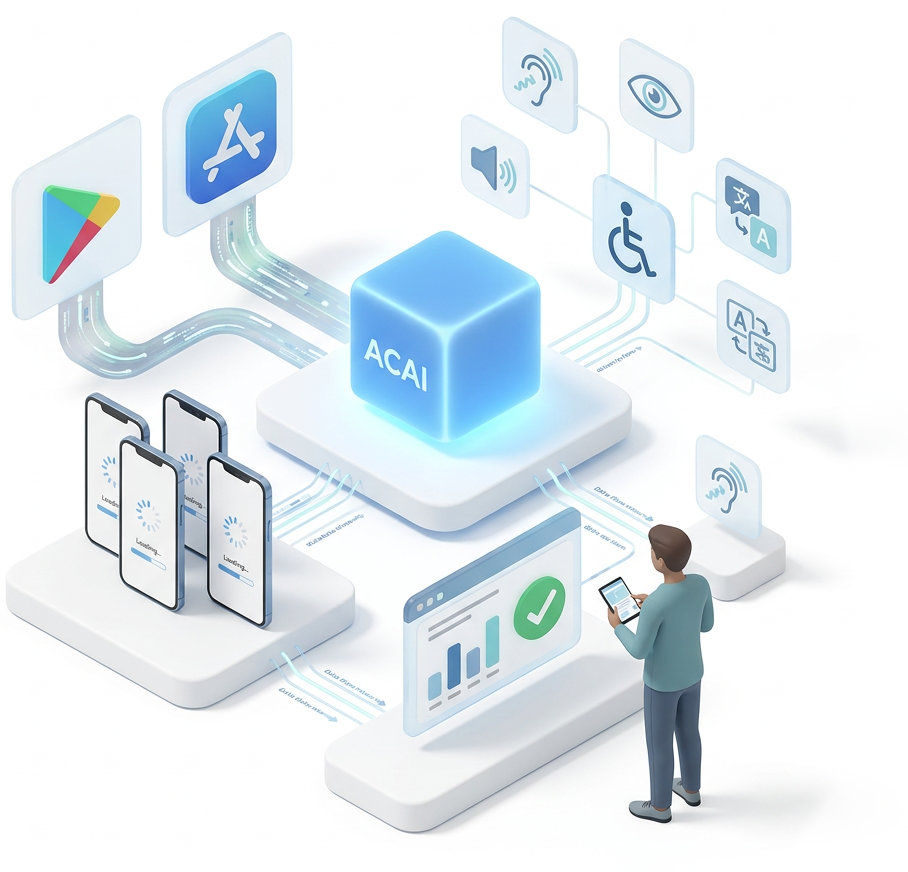
Accessibility Cloud is the first and only platform to offer fully automated mobile app accessibility testing without requiring access to your source code, an SDK, or a build of your app. If it’s published on the App Store or Google Play, with Accessibility Cloud, you can test it.
- Add your app
Add your app directly from the App Store or Google Play. No codebase access or SDK integration required. - Scan automatically
ACAI-mobile tests every screen and interaction for accessibility errors in seconds. - Get results
Review errors with solution suggestions, learning material, and best practices.
Manual mobile app auditing remains available in all plans.
Want to test your app with Abra and detect more errors?
Abra is a mobile app accessibility technology provider and an official Accessibility Cloud partner.
The partnership brings Abra’s testing capabilities directly into Accessibility Cloud, giving you deeper and more accurate error detection for your apps.
With the add-on for scanning with Abra, you can add your app directly from App Store or Play Store and start testing effortlessly, without needing any source code or build steps.

FAQ
The tech behind it
ACAI-mobile installs your app on real devices, runs them for testing, analyses screen context, captures screenshots, traverses screens automatically, and drives industry-standard test libraries on each screen: Google’s Accessibility Test Framework and Apple’s Accessibility Inspector.
Limitations applicable to Standard Edition subscriptions
The following limitations are inherent to devices, operating systems and app marketplaces. Automated mobile app testing on Standard Edition plans uses our public mobile scanner infrastructure, which is physically located in Sweden. This means we cannot test an app if any of the following apply:
- The app is not available in Sweden.
If it can’t be installed from the Swedish App Store or Google Play, our scanners can’t install it. - The app prevents screenshots.
Our testing relies on screenshot captures. Apps that block screenshots at the OS level cannot be analysed. - The app has strict geographical restrictions.
If the app requires the device to be physically located outside Sweden, our scanners cannot run it. - The app requires a SIM card or mobile network data.
Our scanners don’t have SIMs installed. - The app requires login.
Automatic scanning cannot bypass authentication screens, so anything behind a login is not reachable. - Up to 15 screens per app.
Standard Edition scans cover up to first 15 screens reached during automated traversal.
Additional capabilities available to Enterprise Edition subscriptions
- Scan pages behind login.
Credentials, one time passwords, CAPTCHAs. - Scan up to 100 screens per app.
Increased capacity for deeper scans. - Define your own user flow.
Scan your most mission critical user flows. - Interactions, not just screens.
Test each important interaction, not just each screen.