

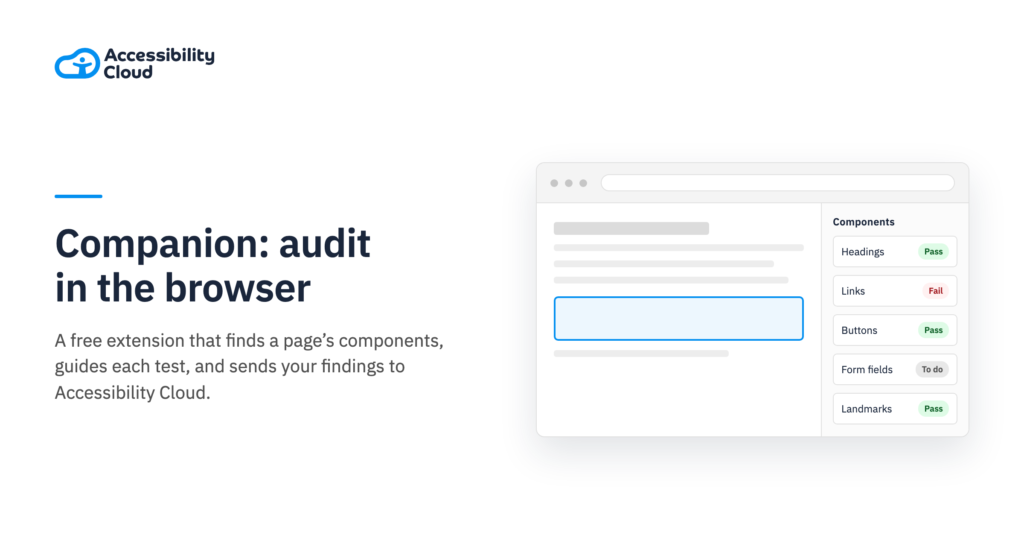
Accessibility auditing is by necessity a largely manual and repetitive process. Testers rapidly learn to apply a series of WCAG-related tests to a page, record the results, and then move on and do the same again, page by page. This can not only be drudgery, but also prone to errors: amidst the repetition it’s easy to overlook a component or forget to apply a test. It can also be inefficient, where the same component is reviewed multiple times. Accessibility Cloud recognized these concerns and has developed Companion, a browser extension to guide accessibility auditing, provide testing tools, and feed findings directly into our cloud-based platform.
Companion is a free stand-alone browser extension which is compatible with all Chromium browsers (Chrome, Edge, Opera, Brave, Vivaldi, and more). It is essentially a peripheral for our Accessibility Cloud testing platform. It automates and guides many of the steps you need to audit a website, while still requiring your direct supervision and input. It also simplifies the process of recording manual findings, while retaining the level of specificity and granularity these require. In our pre-launch testing, our users reported that they were able to complete audits up to ten times faster. This could slash your accessibility auditing time from weeks to days; for independent on-contract accessibility testers, this could liberate you to work with more clients, enhancing your profitability.
Rapid scanning
Once the extension is installed, Companion accepts samples (such as landing pages) as a start point, and then rapidly crawls through the components it can identify. These include landmarks, navigation menus, headings, links, buttons, and form fields. It also identifies tabs, accordions, draggable components and even hidden elements. Companion presents the tester with an intuitive, well-organized list of component issues to review. The tester can drill down to the individual issues that apply to each component: they can then choose to Pass, Dismiss, or Fail each issue. For those that fail, testers can add details via the content-assisted fields, including capturing screenshots.
Companion is a supplement to human auditing, though, not a replacement. At every step of auditing a site with the Companion extension, the human tester can add individual findings. When auditors identify issues, they simply click “Add custom finding”, and enter details such as a name, description, identifying selector, and a screenshot. Companion helps the user by providing suggestions, which save time.
Tools and Options
A long-standing reality of accessibility auditing is having to rely on a wide variety of manual tools: one to display headings and structural elements, another for color contrast, a dedicated screen reader… the Companion accessibility extension helps streamline the process by incorporating many tools into one extension. It has a dedicated tab for tab stop, color contrast, and resize/reflow test tools; another dedicated tab provides screen reader simulation that emulates outputs of NDVA, JAWS, and VoiceOver, filters for visual disability simulation, and other tools for hearing, motor, and even cognitive disability assessment.
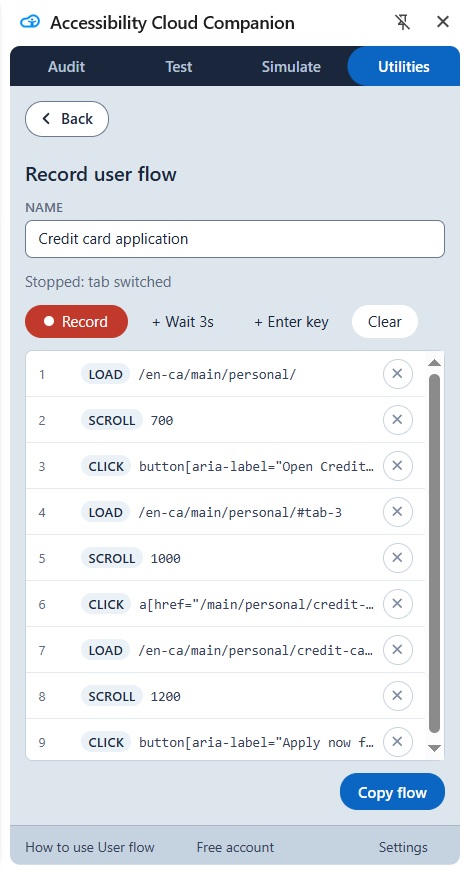
Companion can also store multiple audits: your testing results are not lost if you move to another tab or close your browser. You can change auditing projects and return to finish them later. It also has utilities for capturing information on pages behind logins (meaning your audits are not confined solely to publicly available content), and for recording user flows as users move across a series of pages and actions. Lastly, importing your Companion findings into the Accessibility Cloud platform is extremely easy. This lets you save your auditing work, add to your ongoing results, and to turn your audit into a report. But Companion is still a freely available, independent tool.
Accessibility auditing and remediation is very manual work, but it has to be: it’s ultimately human labor that cannot be replaced by automation. That does not mean it cannot make use of tools or evolve along with those tools. Companion is our effort to provide an effective toolkit that benefits accessibility auditors by making their testing more efficient and productive. It contains many features that identify components and underlying elements and help testers to capture relevant information about accessibility barriers. It is both a supplement to our signature accessibility platform, and a stand-alone product that we are very proud to have developed.