

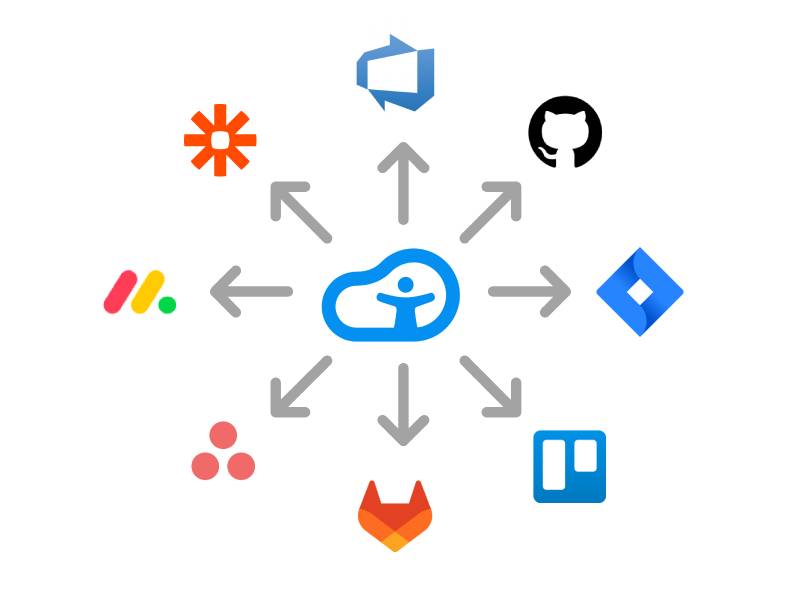
This week we introduced the support for sharing functionality. This is useful for sending problems found by Accessibility Cloud to colleagues or to bug trackers, project management, and automation suites.
How does it work?
When you see the share icon, click it. In the next dialog you will need to configure your bug tracker or automation suite. This is a one-time setup.

What can you share?
You can share all the following:
- Errors
- Potential errors
- Occurrences
- Findings
- Manual test results per success criteria / rule
Other methods of sharing
In addition to sharing with external tools, you can also send problems as emails to colleagues or copy the contents of the problem to the clipboard.
Which tools are supported?
- Azure DevOps
- GitHub
- Jira
- Trello
- GitLab
- Asana
- Monday.com
- ClickUp
- Zapier
- Make
- and others…
Ready to make your digital experience accessible to everyone?
Take the first step toward a more accessible digital presence. With AI-powered scanning across web, documents, and mobile apps (launching in 2026), human-led auditing, guided remediation tailored to your tech stack, and a global network of accessibility experts, Accessibility Cloud gives you everything you need in one platform.
Want to join the community?
Find us on Discord