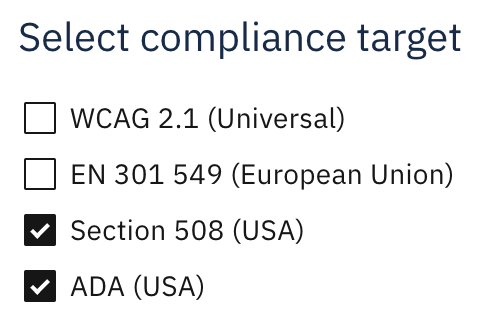
Accessibility Cloud now supports both automatically and manual testing for Section 508 and ADA.
Section 508 and ADA for manual tests
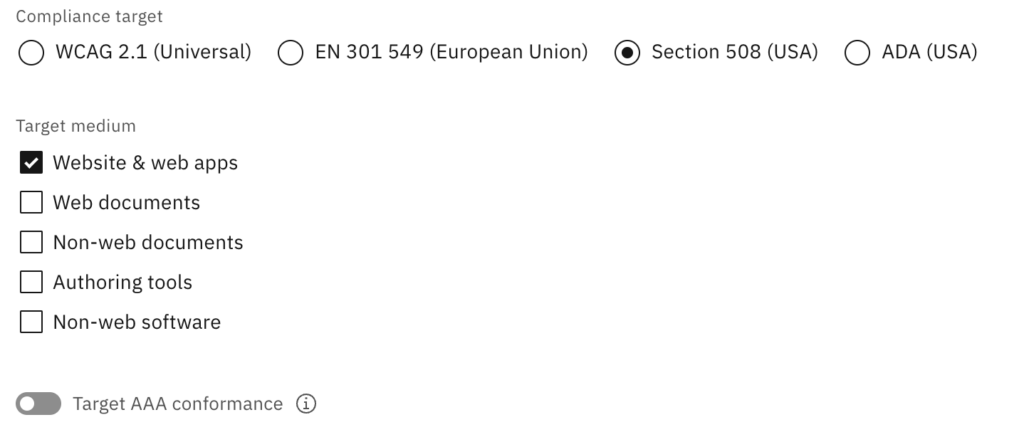
Choose Section 508 or ADA as compliance target while doing a manual test / audit to get started. Since both Section 508 and ADA are based on WCAG, you will find familiar success criteria within your test / audit editor but other than them, you will also be able to select additional success criteria for your test based on what you are testing, including:
- Web documents
- Non-web documents
- Authoring tools
- Non-web software
Each of these selections will add new test cases to your manual test / audit. The methodology of your test will still be WCAG-EM as usual, even if you are now beyond WCAG in terms of scope (this is similar to our manual test feature for EN 301 549) and after the test, you will be able to export the test results as variety of formats, including, Excel, HTML and as a WCAG-EM compatible JSON.
Section 508 and ADA for automatic tests
On the left menu, under compliance targets, you can enable automatic tests rules for Section 508 and ADA.